PC Parts Guide is independent and is not affiliated with, endorsed by, or sponsored by game publishers, hardware manufacturers, or retailers. Game names and artwork are used for identification and commentary only. FPS and hardware tiers are editorial estimates, not guarantees — see our Terms of Service. Terms · Image credits
Overview
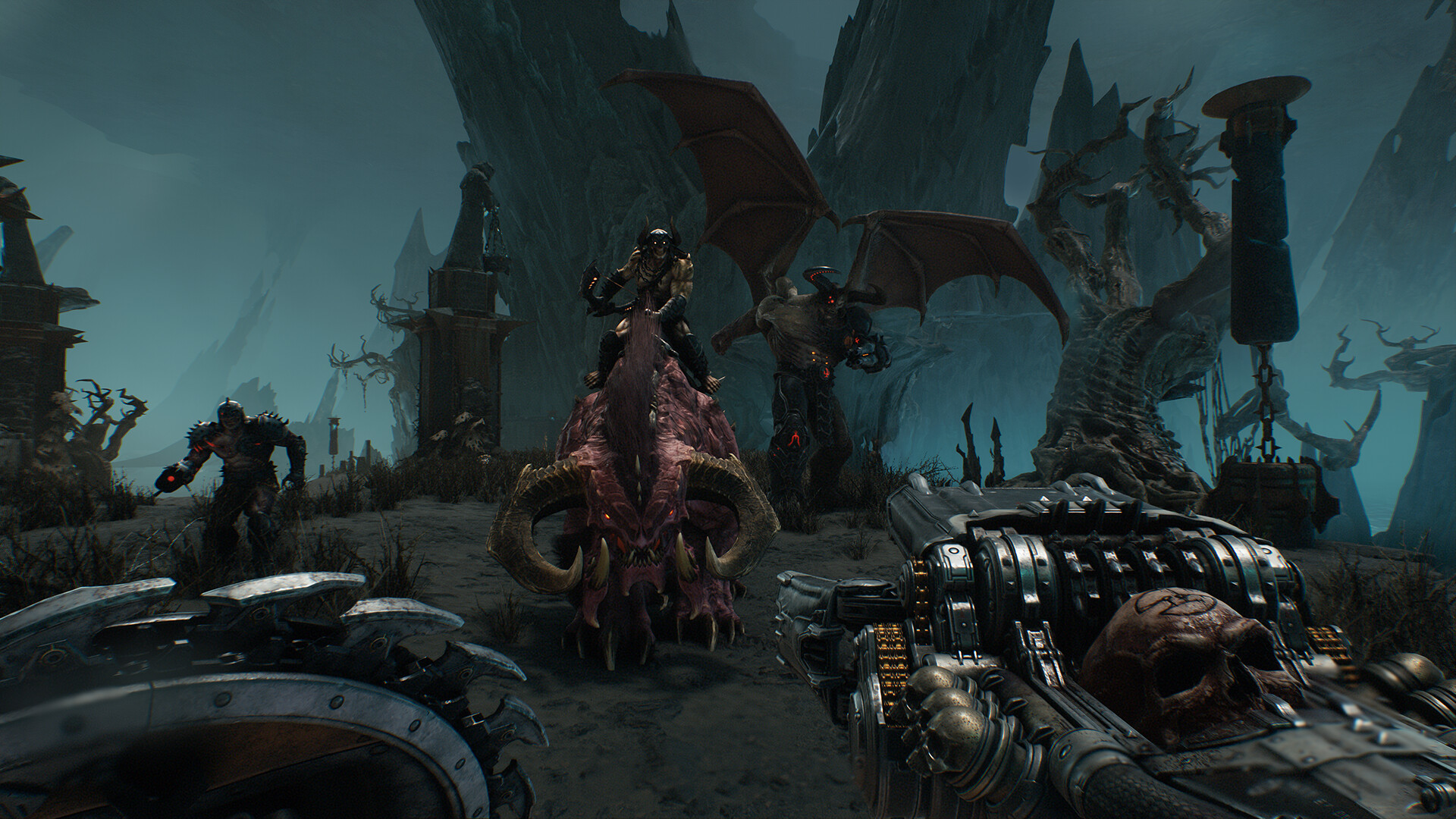
Medieval DOOM with large-scale demon battles. Use the resolution tabs below to see estimated hardware for a steady 60 FPS. Ray tracing is supported — use the toggles below to compare specs with RT on or off. GPU drives eye candy, but a strong CPU helps hold high frame rates in busy multiplayer.
Test preset
Ultra baseline — use Low–Ultra toggles below, competitive settings optional (shadows Medium–High); ray tracing off unless noted in the RT tab
Upscaling
DLSS, FSR 3, XeSS
Hardware by target FPS
Pick a resolution, 60 or 120 FPS target, quality preset (Low–Ultra), upscaler (Native, DLSS, FSR, or XeSS), upscaling quality when applicable, and ray tracing — specs update to match. Minimum gets you close to your target; recommended holds it with headroom.
1080p · 60 FPS · High · Native · Ray tracing off
High preset, shadows Medium–High, ray tracing off, Native
GPU-focused estimates for DOOM: The Dark Ages at 1080p, 60 FPS, ray tracing off. Based on demanding demand tier and typical fps workloads — verify against your in-game settings. Hardware adjusted for high preset.
Graphics card
Minimum
GTX 1660 Super 6 GB / RX 5600 XT 6 GB
Recommended
RTX 3060 12 GB / RX 6600 8 GB
Processor
Minimum
Ryzen 5 5600 / Intel Core i5-12400
Recommended
Ryzen 7 5700X / Intel Core i5-13400
Memory
Minimum
16 GB (dual-channel)
Recommended
16 GB (dual-channel)
16 GB prevents stutter when multitasking or using mods.
Storage
Minimum
50 GB SSD
Recommended
50 GB NVMe SSD
SSD recommended for faster load times.
Optimization tips
· Drop shadow quality or volumetric effects first if FPS dips below 60.
· At 1080p, lower post-processing before touching texture quality.
· Cap background apps — inconsistent frame times feel worse than slightly lower settings.
Performance notes
· Ray tracing needs an RTX 20-series or newer (NVIDIA) or RX 6000-series or newer (AMD) GPU and DirectX 12 on most titles.
· Lower shadow and post-processing settings recover FPS quickly in multiplayer without hurting visibility.
· DLSS or FSR Quality helps at 1440p and 4K even when ray tracing is off.
· 16 GB RAM is the minimum for modern AAA titles; 32 GB helps at 4K, with mods, or while streaming.
· An SSD reduces load times; NVMe is helpful but not required for most single-player games.
What affects performance
GPU (primary)
Resolution, texture quality, shadows, and ray tracing scale directly with GPU power. Upgrade here first for higher resolutions.
VRAM
Higher resolutions and texture packs need 8 GB minimum, 10–12 GB for 1440p/4K Ultra. Ray tracing adds VRAM pressure.
CPU (secondary)
Multiplayer and draw-call-heavy scenes can bottleneck older 4-core CPUs before the GPU is maxed.